
Every HR professional has been there — the annual team outing is two days away, someone just asked for a poster, and the design team is swamped. You open your laptop, stare at a blank screen, and quietly wish you knew Photoshop. You don't. Most HR people don't. That's exactly where Nano Banana AI — the flagship image generation model on Kimg AI — steps in and changes the entire game.
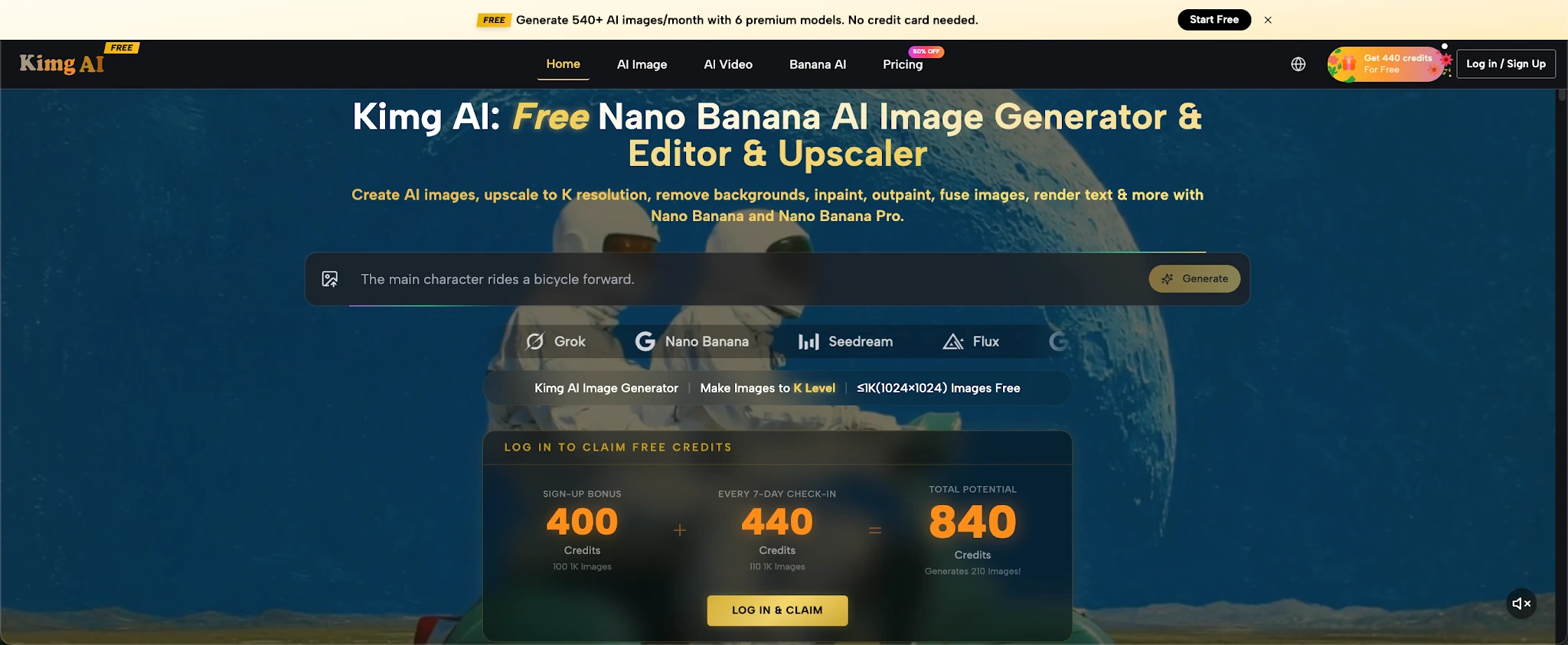
Forget tutorials and steep learning curves. With Kimg AI, you describe what you want, upload a reference if you have one, and the AI does the heavy lifting. For HR teams, this means:
Event announcement posters — team-building outings, holiday parties, award ceremonies
Internal culture campaign visuals — onboarding materials, milestone celebrations, appreciation week graphics
Social-format content — images sized for WeChat, LinkedIn, or the company bulletin board
The whole process — from typing a prompt to downloading a finished image — takes about 10 minutes. You don't move a single layer or touch a single slider.
Kimg AI isn't a single-model tool. It's a hub where multiple AI image models live side by side, and you can switch between them freely. That flexibility matters when your poster needs to look a certain way.
Nano Banana — the workhorse for everyday HR visuals
Nano Banana handles style transfer, photorealistic output, and character consistency. You can upload up to 4 reference images — say, your company's brand color palette, a logo, and a sample design — and it will respect those inputs when generating. Ideal for producing polished event posters without touching design software.
Seedream — when speed is everything
Seedream generates images fast. When you're iterating on multiple poster concepts before a 3 PM deadline, Seedream lets you preview five directions in the time it used to take to find a Canva template.
Flux — for copy-heavy designs
HR posters almost always include text: event name, date, location, RSVP info. Flux is built for exactly this — it renders text inside images with high accuracy, so "Team Building Day | July 18 | Rooftop Garden" actually looks clean and legible, not warped.
GPT Image 2 & Grok Imagine — extra creative muscle
Both models are available on the same Kimg AI interface. If one model's output doesn't quite fit the vibe you're going for, you can run the same prompt through a different model and compare results instantly.
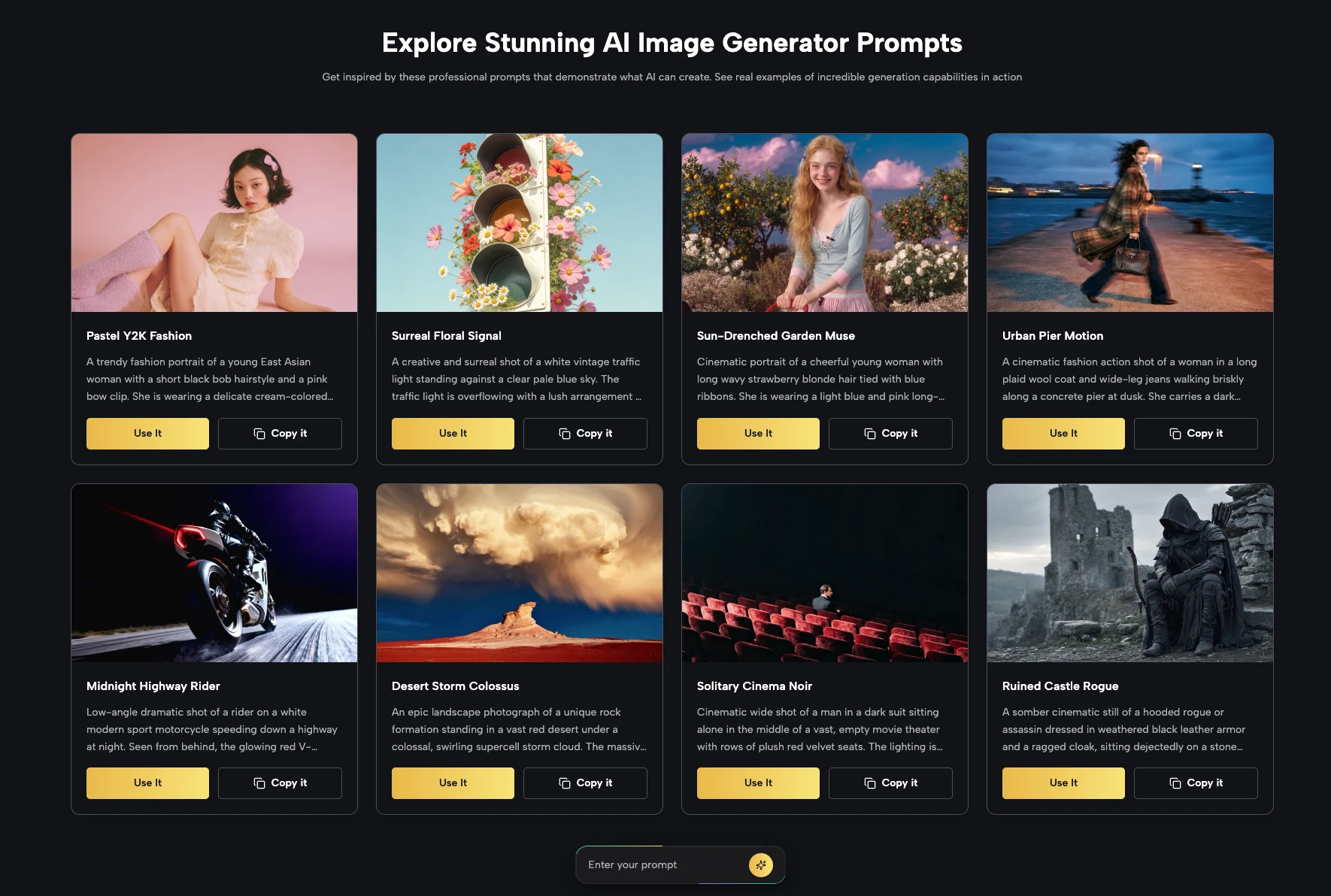
This is the actual workflow. No fluff.
Sign up and collect your free credits
Register on Kimg AI and you'll receive 400 credits as a sign-up bonus. Check in for 7 consecutive days and you'll earn another 440 credits — totaling 840 credits before you've spent a cent. That's enough to generate over 200 images using premium models.
Write your prompt
Be specific but natural. Something like: "A vibrant team-building event poster for a company outing, outdoor setting, warm afternoon light, modern flat design, text space at the bottom, corporate but friendly tone." You don't need prompt engineering expertise — plain language works.
Upload a reference (optional but useful)
If you have last year's event poster, a brand guideline sheet, or even a rough sketch, upload it. Nano Banana supports up to 4 reference images, so the output stays on-brand.
Select your model and generate
Pick Nano Banana for photorealistic style, Flux if the design includes heavy text, or Seedream if you want fast iterations. Hit generate.
Review and download
Free-tier users get 1K resolution, which is perfectly sharp for digital displays and print at standard sizes. Need 2K or 4K for large-format printing? That's available on the member plan.
Design tools were built for designers. Kimg AI was built for everyone — and that includes the HR manager who just needs a good-looking poster by end of day.
No design background required — the AI interprets intent, not technical skill
Brand consistency made easy — upload reference images to anchor every output to your visual identity
Faster than outsourcing — no back-and-forth with a freelancer, no waiting 48 hours for a revision
Scales across events — same workflow works for a 20-person team lunch or a 500-person annual gala
Once you're comfortable with image generation, Kimg AI opens up more than you'd expect.
Animated event invitations — generate a poster, then use Veo 3 to animate it into a short video clip with synchronized audio. Send it via company email or display it on lobby screens. This entire image-to-video conversion can be done using the credits you've already earned for free.
Onboarding welcome visuals — create personalized welcome graphics for new hires using character-consistent outputs
Recognition certificates and milestone cards — generate custom visuals for employee-of-the-month, work anniversaries, or team achievements
The same free credits you accumulated through sign-up and daily check-ins cover these too. And once your initial credits run out, weekly check-ins continue to reward you with 440 credits per week — roughly 110 free image generations every week, indefinitely.
Here's how the numbers break down in plain terms:
Sign-up bonus: 400 credits — available the moment you register
7-day consecutive check-in: +440 credits — making your first week total 840 credits
That's 200+ image generations using models like Nano Banana on the free tier
Every week after that: +440 credits for continued check-ins — roughly 110 images per week at no cost
Resolution matters here: 1K images are free. 2K and 4K require a membership. For most internal HR use cases — digital posters, email graphics, internal comms — 1K output is more than sufficient.
There's a quiet pressure in a lot of HR roles to produce professional-looking materials without professional-grade tools or budgets. That pressure is real, and it's unnecessary.
Kimg AI doesn't just solve the "I can't use Photoshop" problem — it reframes what's possible for non-designers entirely. When you have access to Nano Banana's style transfer, Flux's text rendering, Seedream's speed, and Veo 3's animation — all in one place, all accessible on a free-tier account — the question stops being "can I make this?" and starts being "what do I want to make next?"
Your next employee event deserves a poster that actually looks good. You deserve a tool that doesn't require a design degree to use it. Open Kimg AI, claim your 400 free credits, and make the poster today. Your team will notice the difference — even if they never know how little time it took.

