
If you've ever tried to work in silence and found your mind wandering — or put on a playlist only to get distracted by lyrics — you already know the problem. Lo-fi music sits in that sweet spot: rhythmic enough to keep you anchored, simple enough not to pull your attention away. And now, thanks to AI Song, you don't have to hunt through playlists or loop the same track until it makes you want to throw your laptop out the window. You can generate exactly what you need, when you need it.
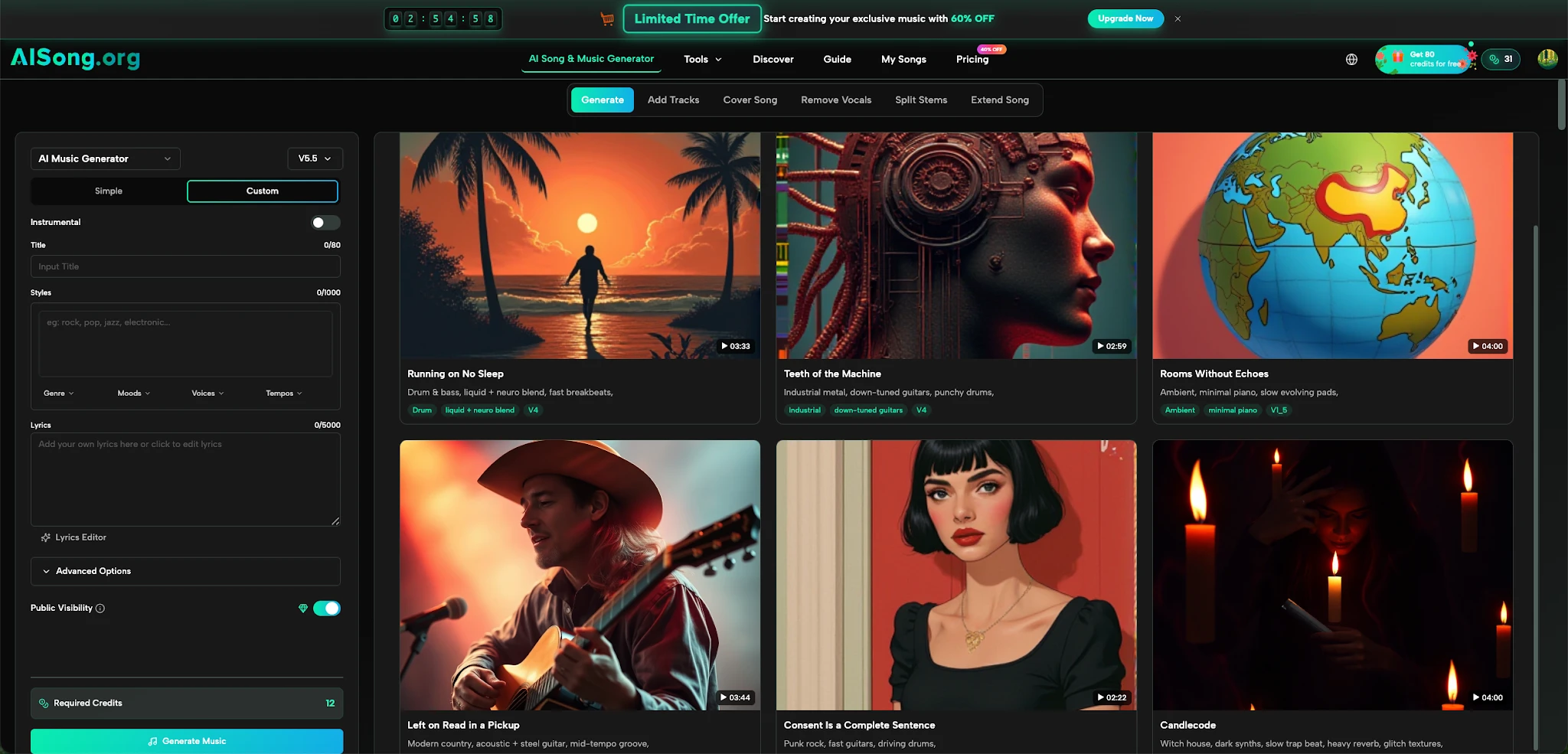
AI Song is a free AI music generator that lets anyone create studio-quality, royalty-free tracks in minutes — no music theory, no instruments, no production background required. The output isn't just background noise. It's high-fidelity 44.1kHz audio with professional mastering applied automatically, ready for streaming platforms, video use, or just your own focus sessions.
The interface offers two creation modes. Simple mode is exactly what it sounds like: you type a description, and the generator gets to work. Type something like "slow lo-fi beat with warm piano, for late-night studying" and the model interprets your intent — mood, tempo, texture — and builds a track around it. Custom mode opens up more control: you can set genre, mood, tempo, voice type, and even drop in your own lyrics.
What makes this genuinely useful for focus work is the speed. Tracks are typically generated within a few minutes. That's fast enough to set up a new ambient loop before a deep work block begins, without losing the flow you were about to enter.
Lo-fi music works because it's deliberately unfinished. The gentle crackle, the muted bass, the wandering chord progressions — none of it demands your attention. It gives your brain just enough sensory input to stay calm and engaged without triggering the "listen to this" response that hooks you into a song.
Most public playlists eventually fail you. The track changes, a vocal comes in, or a tempo shift jars you out of focus. What you actually want is music tuned to your mood at this moment — something slower when you're in a writing flow, something slightly more rhythmic when you're pushing through administrative work.
That's the gap an AI Song Generator fills. Instead of scrolling through someone else's curation, you describe the texture you want and get something made for that exact moment. Looping a generated track also feels less repetitive than looping a well-known song, because there are no hooks you've memorized to grow tired of.
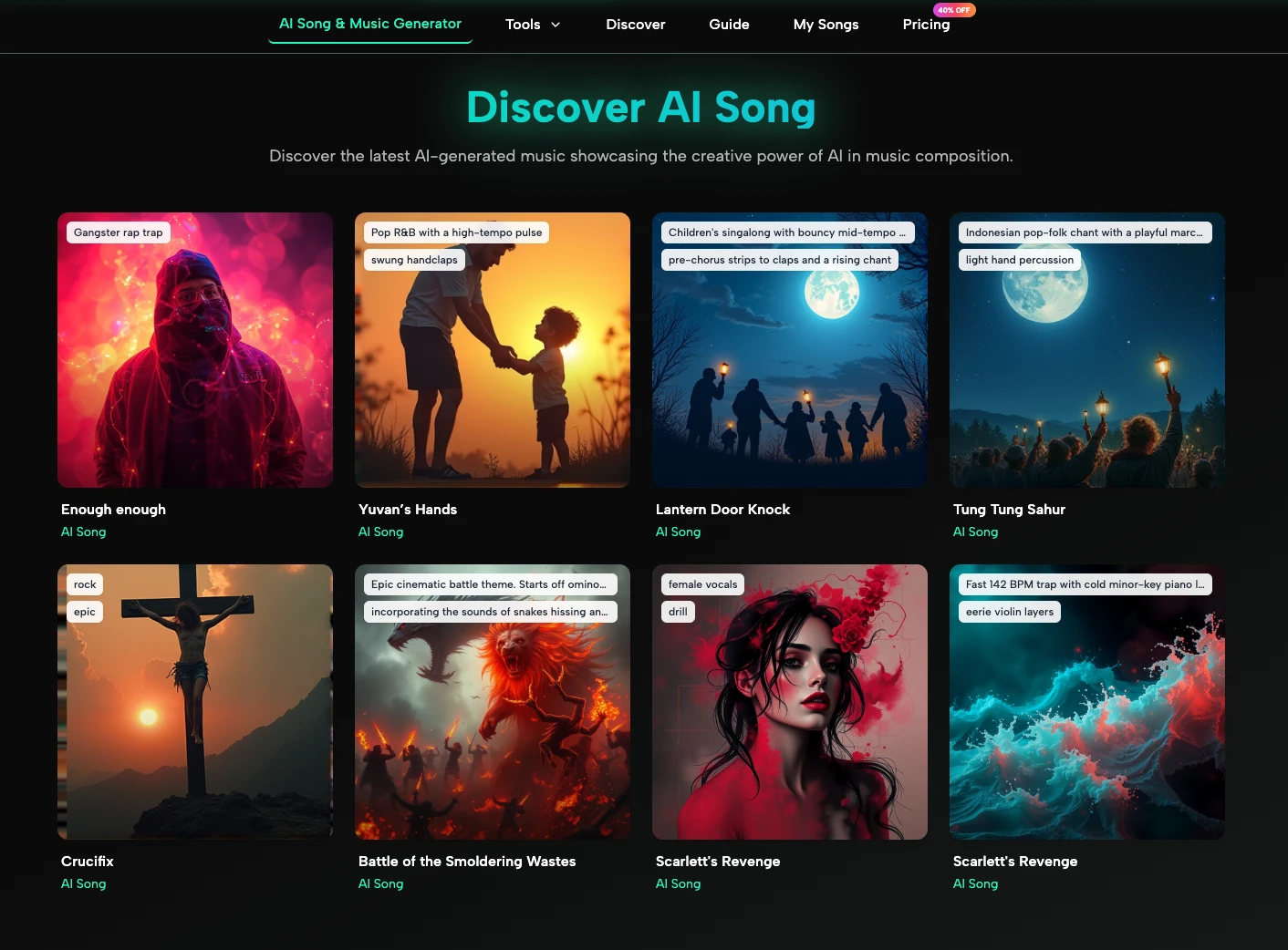
Getting a focus track out of AI Song takes three steps.
Describe your music vision — Write a natural-language description of the style, mood, and genre. For lo-fi focus music, something like "ambient lo-fi, soft guitar, slow tempo, melancholic but calm, no vocals" works well. The AI interprets creative intent, not just keywords.
Let the AI generate — The system analyzes musical patterns and builds original melodies, harmonies, and rhythms based on your input. This isn't remixing existing tracks — it's generating a new composition from scratch.
Download and use — The finished track downloads as a high-quality MP3 with no watermarks. Every track comes with full commercial rights, so you can use it in videos, podcasts, or anywhere else without copyright concerns.
The Instrumental toggle in the interface is worth highlighting here — switching it on tells the system to skip vocals entirely, which is exactly what most focus-music users want.
For users who want more precision, Custom mode gives you direct control over several parameters that matter for lo-fi specifically.
The Styles field in Custom mode accepts genre and mood inputs directly — you can type "lo-fi," "ambient," "jazz," or combine them. The interface also includes dropdown selectors for Genre, Moods, Voices, and Tempos, letting you build a more structured prompt without having to guess at the right words.
For focus music, tempo is everything. Slower tempos (around 60–80 BPM) are associated with calm, sustained attention. Custom mode lets you set this explicitly rather than hoping the Simple mode description captures it accurately.
If you want to use AI Music for background focus sessions, the Instrumental toggle removes vocals cleanly. If you're creating lo-fi content for a YouTube channel or podcast and want a short vocal hook, the Lyrics field supports up to 5,000 characters and includes a built-in Lyrics Editor for refinement.
One feature that's easy to overlook is Extend Song. Once a track is generated, you can add verses, extend bridges, or build out a full-length version from a shorter composition. For lo-fi focus sessions that run 90 minutes or more, this is practical: generate a solid base loop, then extend it rather than starting from scratch or repeating the same two-minute clip.
The AI Music Maker also supports remixing and creating variations of existing compositions. If a generated track is 80% right — good texture, right mood, but slightly too fast — you can iterate rather than discard it entirely.
The royalty-free, full commercial license that comes with every AI Music Generator creation opens up uses beyond personal productivity.
Content creators can use lo-fi tracks as background music in study-with-me videos, time-lapse content, or tutorial walkthroughs without any DMCA risk. Podcast producers can generate custom intro and outro music that fits their show's tone precisely. Game developers can use the output as ambient soundscapes for menu screens or exploration sequences.
AI Song also includes a Vocal Remover tool — useful if you want to strip vocals from an existing reference track to study its instrumental arrangement, or create a clean backing track for a cover. And the MP3 to WAV Converter handles format conversion for anyone working in professional audio environments that require lossless files.
There's a version of deep work that's still mostly friction — finding the right playlist, skipping tracks that break your focus, resigning yourself to silence. Lo-fi music eliminates that friction when it's the right kind: unhurried, textured, and tuned to what you're doing.
The ability to generate that music on demand — in two minutes, in any mood or tempo, royalty-free — isn't a small thing. It hands you a tool for designing your own concentration environment rather than borrowing someone else's. That's the shift worth making. Stop searching for the perfect focus track. Start generating it.

